Language Preference
The Select Language screen lets you change the language of the Twintual interface. Twintual currently supports English and Spanish, with more languages on the roadmap.
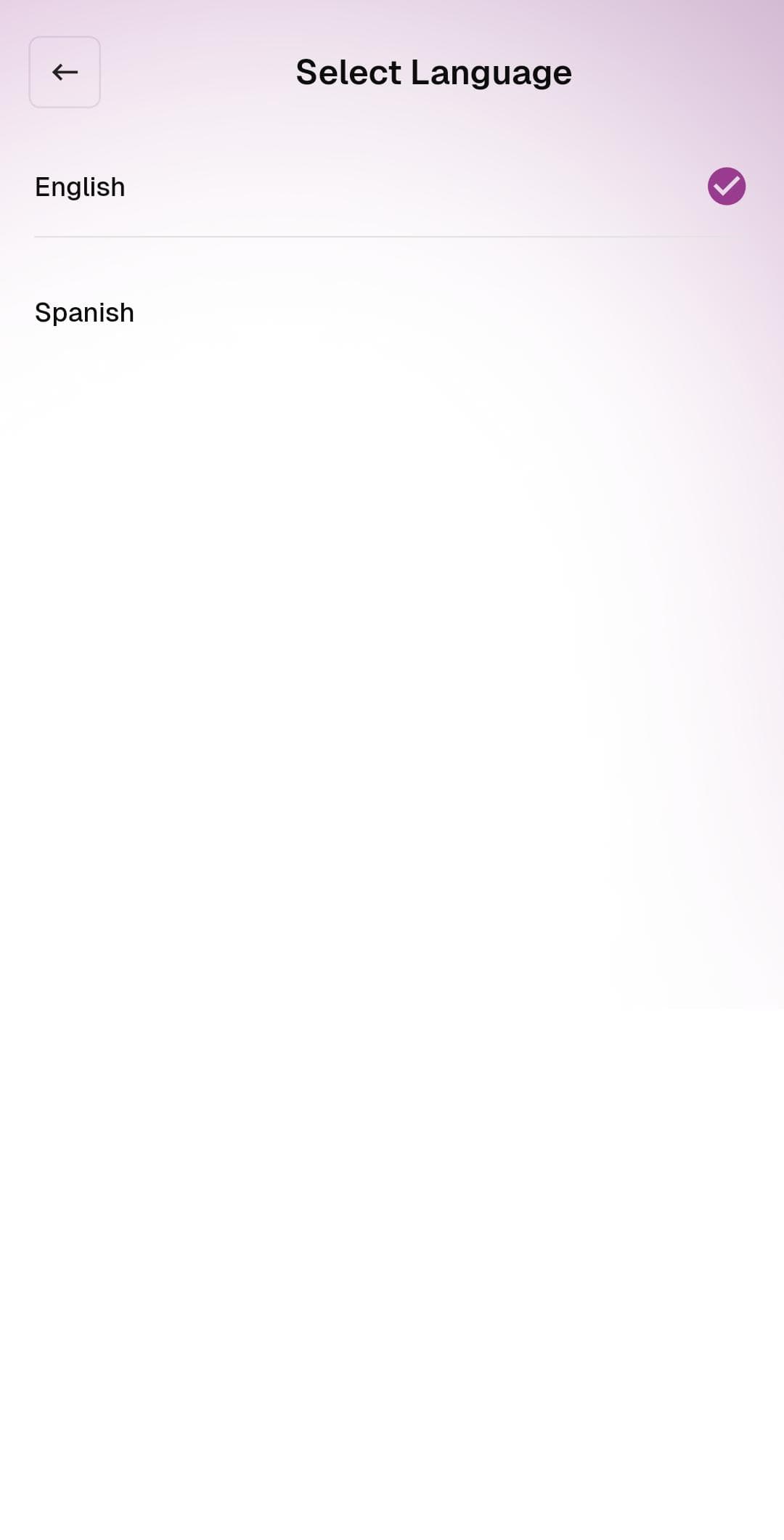
What's on this screen
- English — the default language for the app
- Spanish — full Spanish localization
The currently active language is marked with a purple checkmark on the right.
What to do
- Tap the language you want to use. The app applies the change immediately — no restart needed
- All UI text, menus, and AI-drafted reply suggestions will switch to the selected language
Tips
- Switching the language does not change the language of the messages themselves — only the Twintual interface and AI-drafted replies
- AI-drafted replies are generated in the language of the original message, so if someone writes to you in Spanish, Twintual will draft your reply in Spanish even if your app interface is set to English
- More languages are being added — let us know via the support button which one you'd like to see next