Welcome Screen
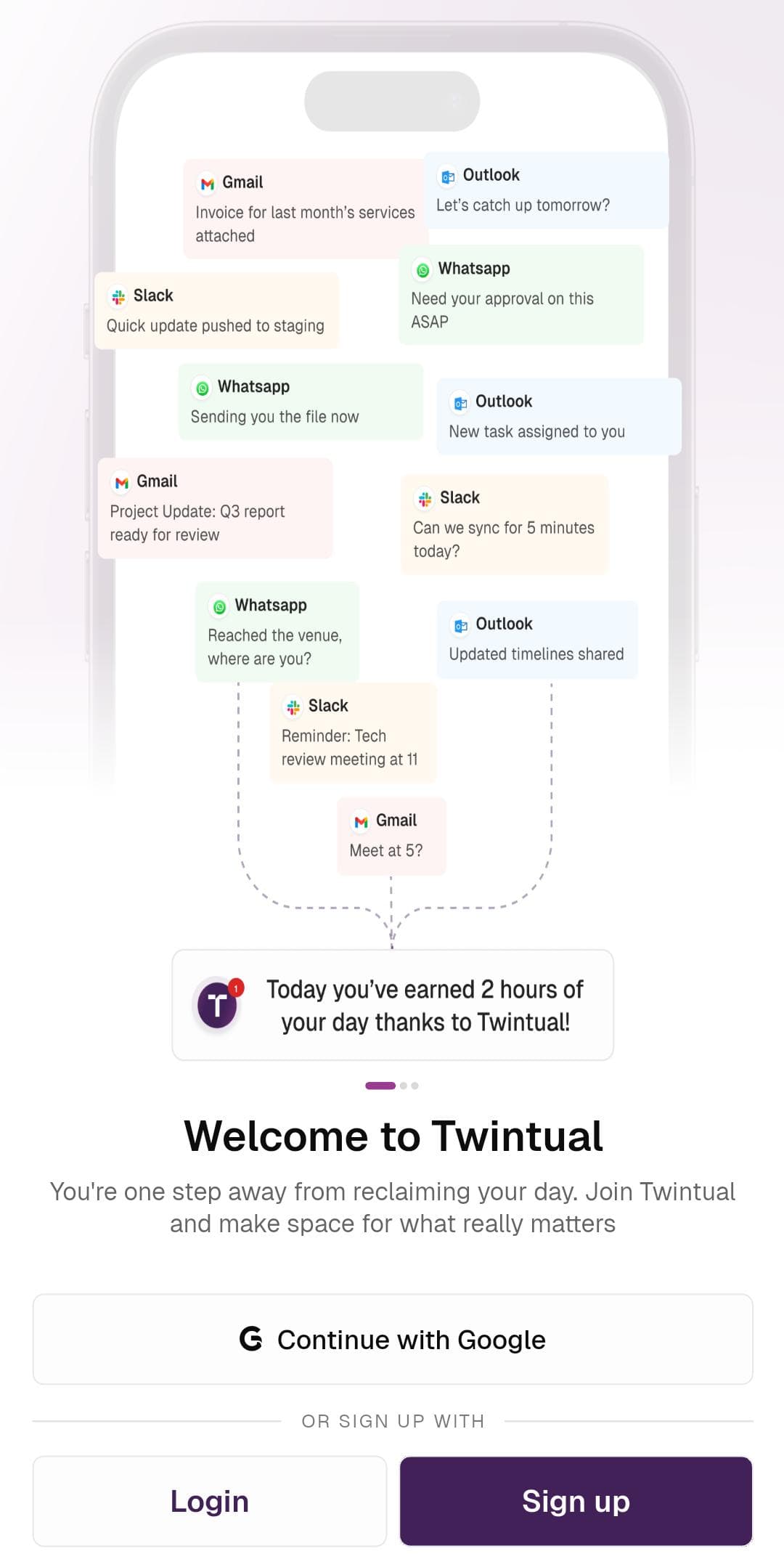
Twintual opens on a warm welcome screen that immediately shows you what the product does. Floating message cards from Gmail, Outlook, WhatsApp, and Slack drift into a single Twintual notification at the bottom — "Today you've earned 2 hours of your day thanks to Twintual!" — telling the story of how the app pulls scattered conversations into one calm space.
Below the illustration, the headline Welcome to Twintual sits with a short tagline, followed by a primary Continue with Google button and a secondary Login / Sign up pair at the bottom.
What's on this screen
- Animated message preview showing real-world apps Twintual unifies
- Continue with Google as the fastest one-tap path in
- Login for returning users and Sign up for first-timers
Next step
Continue to Sign Up to create your account.