Invite Friends
Twintual rewards you for spreading the word. The Invite Friends screen gives you a unique referral code and a shareable link — invite three friends, and you unlock one month of Twintual free.
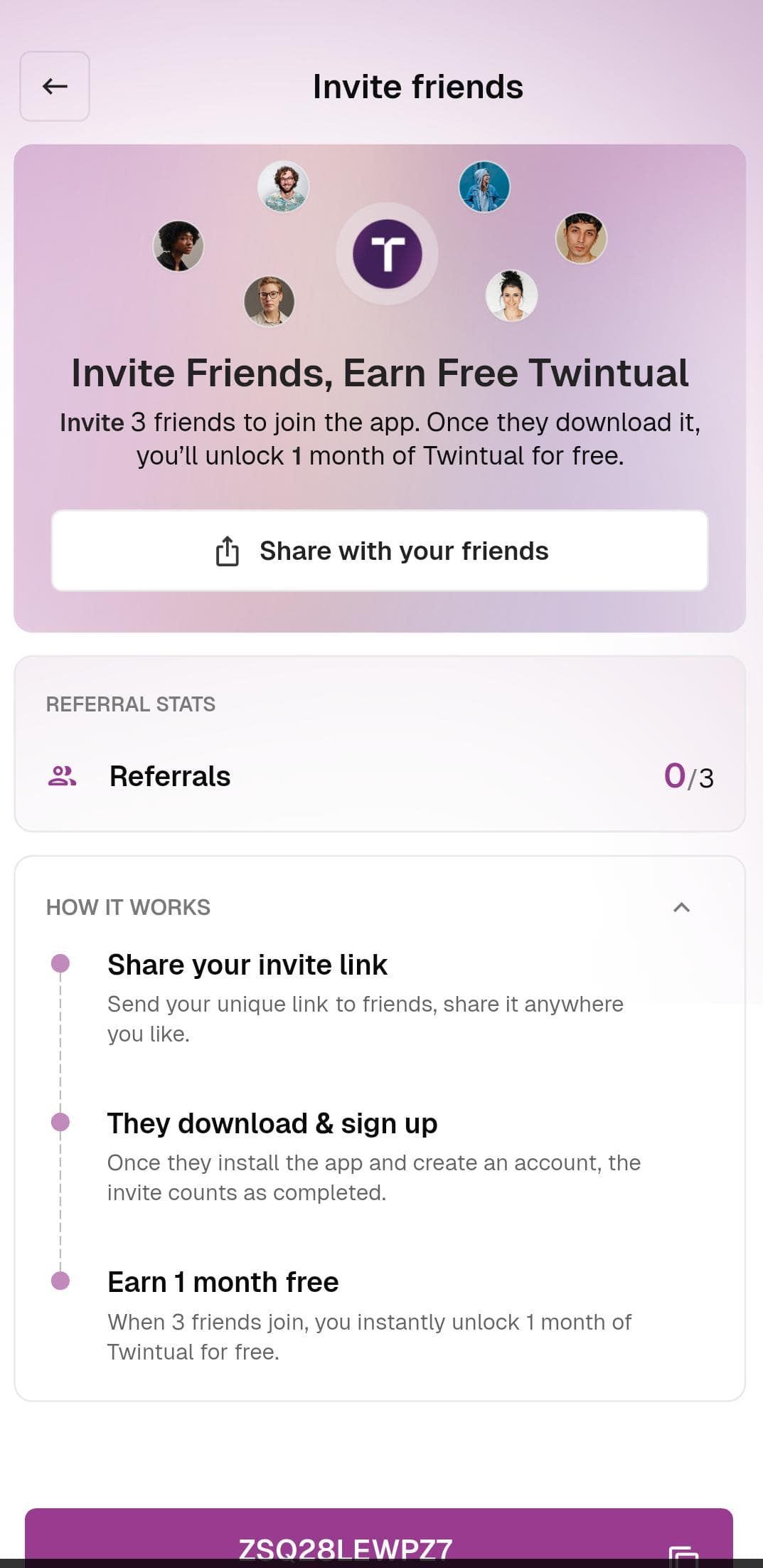
What's on this screen
Hero card — A friendly illustration with the headline Invite Friends, Earn Free Twintual and the offer: Invite 3 friends to join the app. Once they download it, you'll unlock 1 month of Twintual for free. A Share with your friends button opens your phone's native share sheet.
Referral Stats card — Shows how many of your invited friends have completed sign-up (for example, 0 / 3).
How it works — A three-step explainer:
- Share your invite link — send your unique link to friends anywhere you like
- They download & sign up — once they install the app and create an account, the invite counts as completed
- Earn 1 month free — when 3 friends join, you instantly unlock 1 month of Twintual for free
Your referral code — A unique code displayed at the bottom (for example, ZSQ28LEWPZ7) with a one-tap copy button next to it.
What to do
- Tap Share with your friends to open your phone's share sheet and send the link via WhatsApp, iMessage, email, or any other app
- Or tap the copy icon next to your referral code to paste it wherever you like
Tips
- Referrals only count when the invited friend completes sign-up, not just when they click the link
- There's no limit on how many friends you can invite — keep going to stack up free months
- Your referral code never expires