Compliance Center
The Compliance Center is where Twintual gives you full transparency and control over your data, legal agreements, and account. Everything here is yours — read the legal documents, export your data, get help, or delete your account entirely.
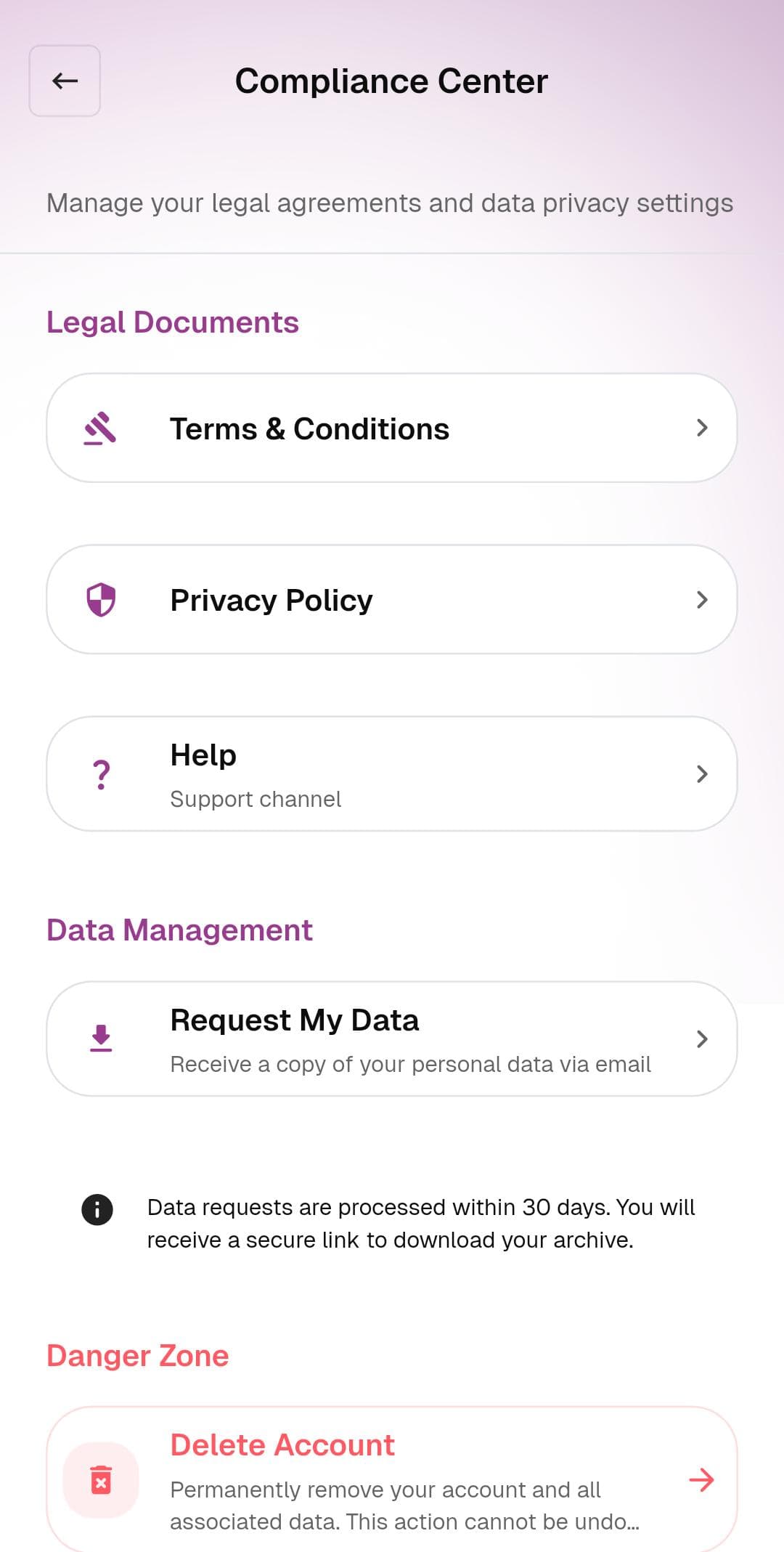
What's on this screen
The screen is organized into three clear sections:
Legal Documents
- Terms & Conditions — the full Twintual terms of service
- Privacy Policy — exactly how Twintual collects, processes, and protects your data
- Help · Support channel — opens the support channel so you can ask questions or report issues
Data Management
- Request My Data — receive a copy of your personal data via email. Twintual sends a secure link to download your archive
A small info note explains the timeline: Data requests are processed within 30 days. You will receive a secure link to download your archive.
Danger Zone
- Delete Account — permanently remove your account and all associated data. This action cannot be undone.
What to do
- Tap any item under Legal Documents to view the full document in-app
- Tap Request My Data to start a data export request. You'll get an email with a download link within 30 days
- Tap Delete Account ONLY if you're sure — this is irreversible and removes everything: profiles, channels, contacts, AI history, subscription, and account data
Tips
- Data export requests are encrypted end-to-end. Only you can open the archive using the link sent to your registered email
- Before deleting your account, consider just disconnecting individual channels from Modify Profiles & Channels — that pauses Twintual without losing your account
- If you have an active subscription, cancel it from Manage Subscription before deleting your account to avoid any final billing
- For anything you're unsure about, reach out via the support button (the purple chat icon in the bottom-right corner) before taking irreversible actions